Logging and progression
Tap, log, rest. It does the maths.
Every set row shows what you did last time and comes pre-filled with today's target. Tick a set and the rest timer starts on its own. When you finish the workout, MinMax sets each exercise's next weight.
Automatic progression
Reach the top of the rep range on every working set and the weight goes up by that exercise's increment. Miss the top and you repeat the weight. Miss the bottom and you go back to your last successful weight with a higher rep target. Deload weeks keep the weight the same.
A rest timer you can always see
It starts when you complete a set, uses each exercise's rest time, and stays in view while you scroll. Pause it, add or take off 30 seconds, or skip it.
Real gym sets
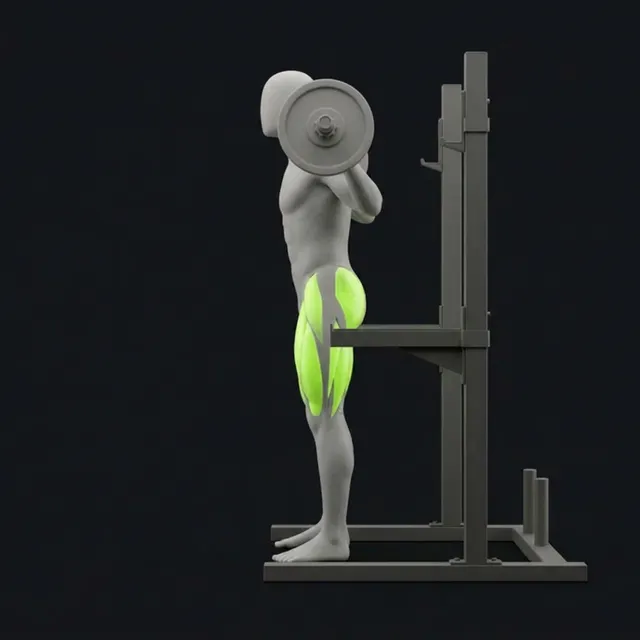
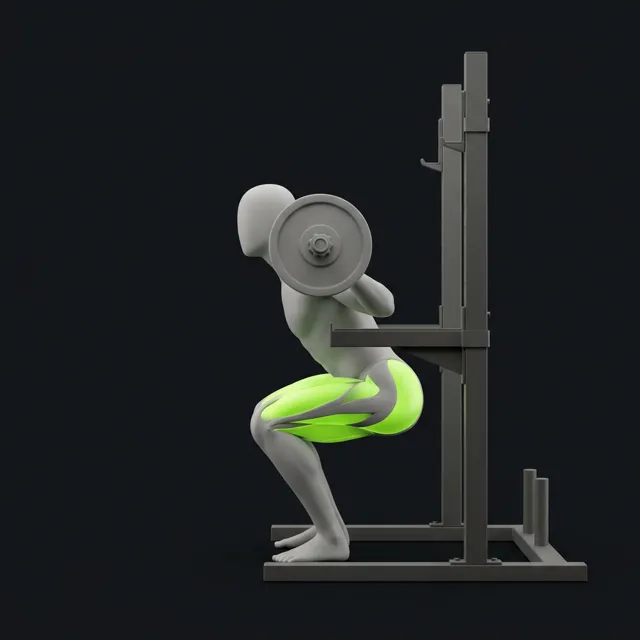
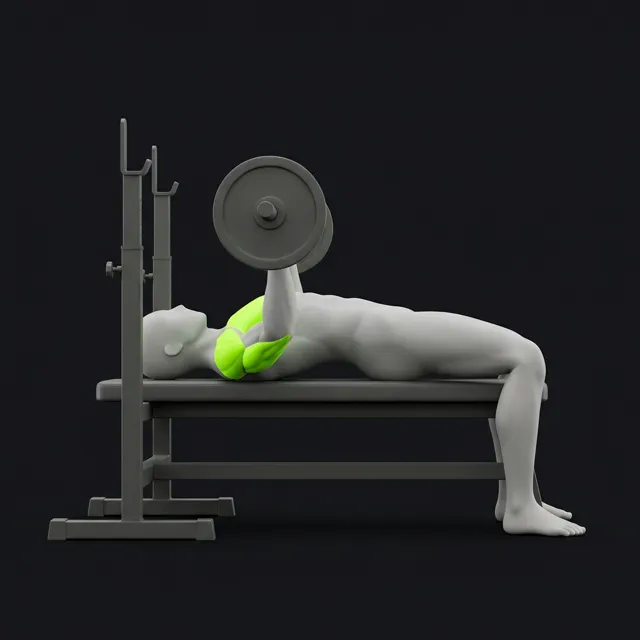
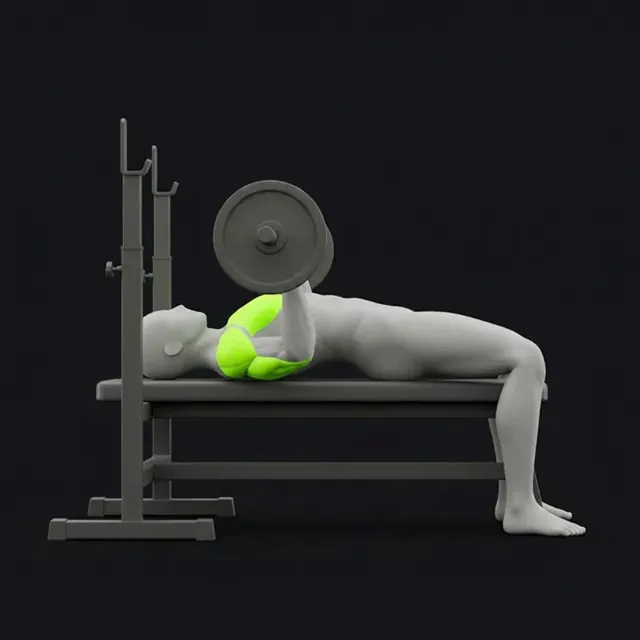
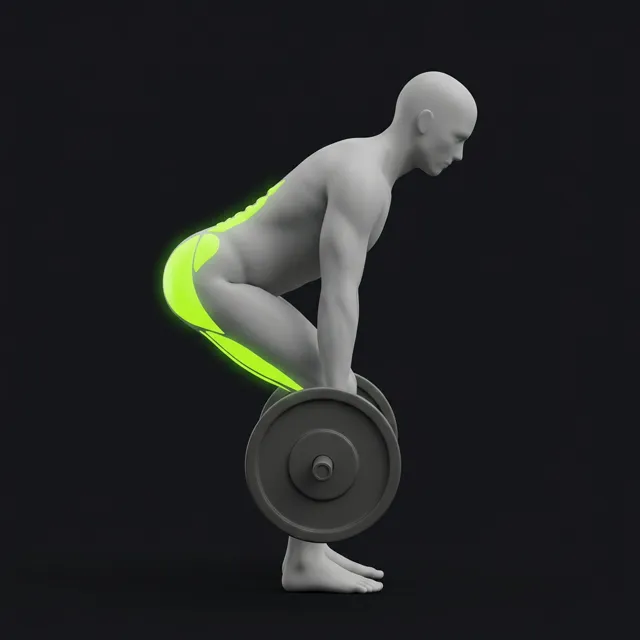
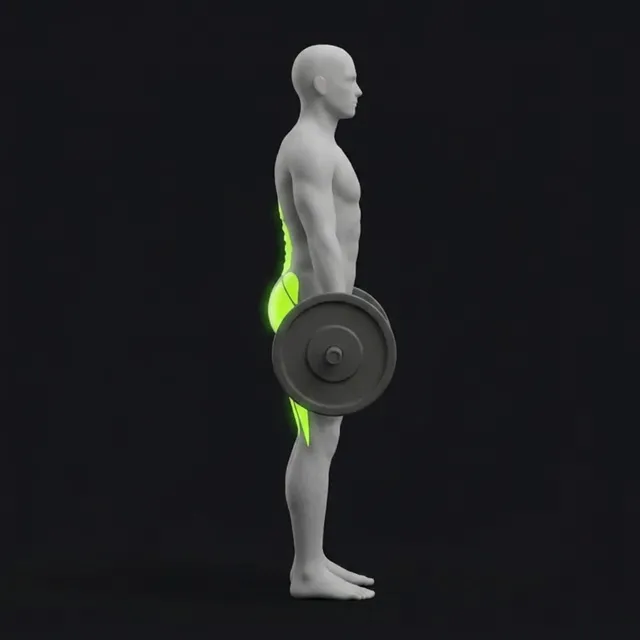
Warm-ups, extra sets, lengthened partials, drop sets and myo-reps. Add notes to a set, log a substitution, and use the plate calculator to load the bar. Log in kg or lb.
Personal records
Weight, rep, volume and estimated one-rep max (1RM) records are detected when you finish a workout and kept on a PR board.
Progress you can read
Strength curves and estimated 1RM trends per exercise, weekly volume by muscle group, and a full history you can edit later.
Body metrics
Log body weight, muscle mass and waist size. A 7-day average smooths the weight trend, so daily ups and downs don't hide the overall direction.
 MinMax Tracker